 QUEST · FANTASY RPG
RECOGNIZED TEXT · EN
Find a way through the north gate.
YULA TRANSLATOR · TR
Kuzey kapısından geçmenin yolunu bul.
Main quest
Follow the quest objective in a Turkish overlay.
YULA STUDIOS · NOW ON MICROSOFT STORE
Yula Translator recognizes English text on your game screen, translates it, and displays the result in a readable overlay.
 YULA TRANSLATORLIVE TEXT FLOW
Illustrative interface preview · not a real game screenshot
ON-SCREEN TRANSLATION EXAMPLES
Quests, dialogue, and item notifications: compare the English source text with its Turkish overlay.
QUEST · FANTASY RPGFind a way through the north gate.
Kuzey kapısından geçmenin yolunu bul.
Follow the quest objective in a Turkish overlay.
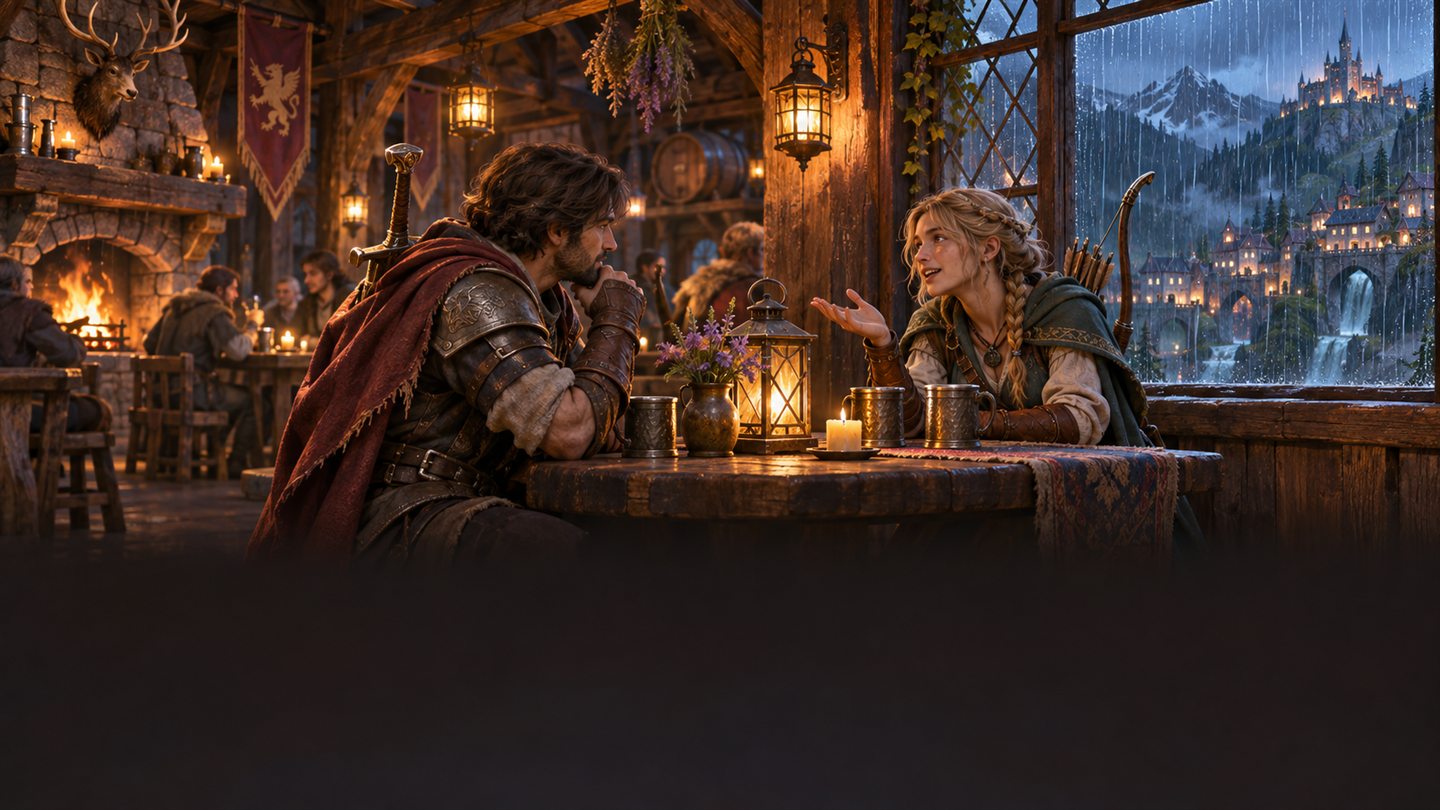 DIALOGUE · CHARACTER
The bridge is unsafe after dark.
Hava karardıktan sonra köprü güvenli değil.
Keep up with short conversations while you play.
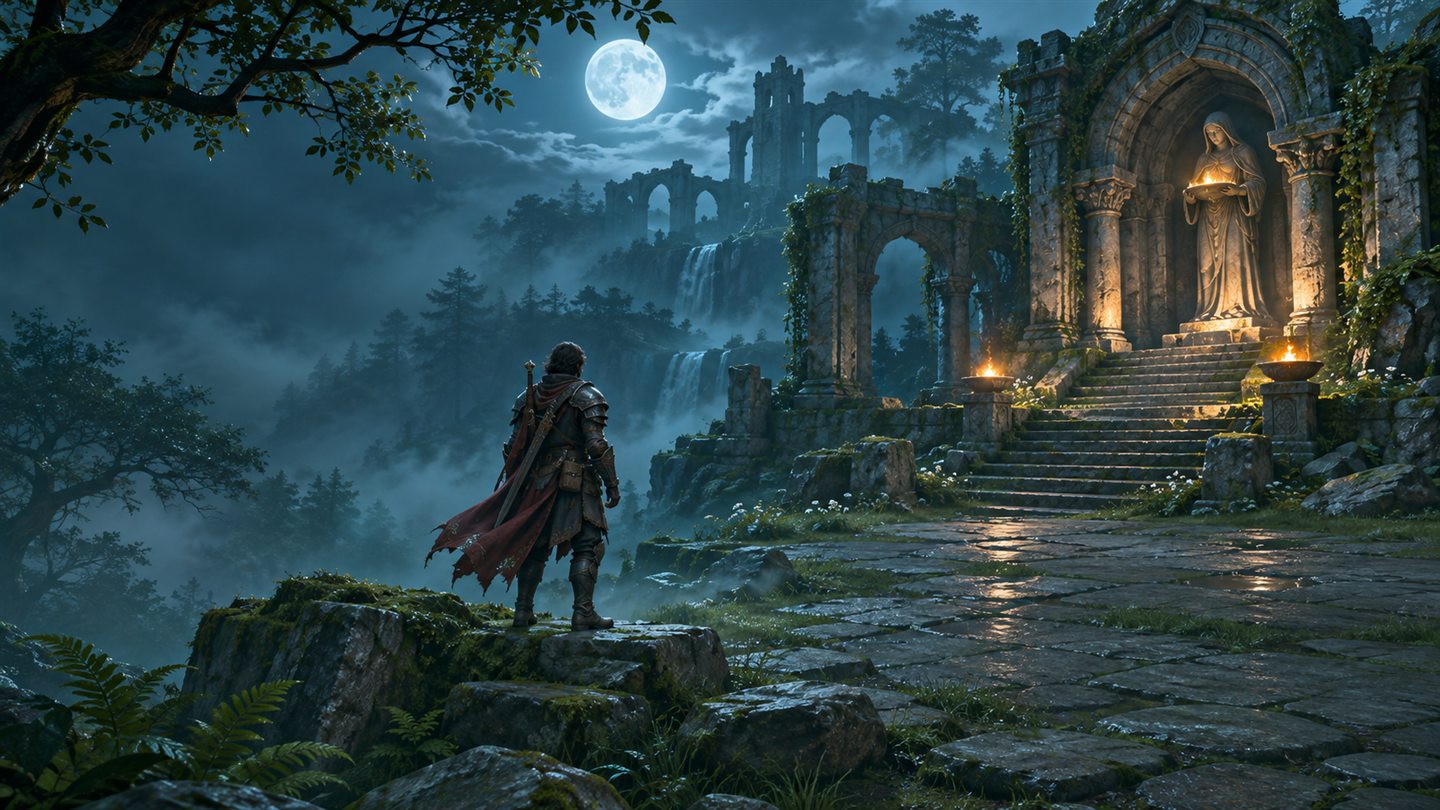 ITEM · GAME UI
You received: Moonstone Key.
Aldığın eşya: Aytaşı Anahtarı.
An example for short interface and reward text.
Scenes and text are illustrative promotional material. Actual OCR results depend on text size, contrast, motion, and the game rendering method.
WITHOUT LEAVING THE GAME
OCR and translation follow the game window to make dialogue and interface text readable while you play.
The bundled PP-OCRv5 model processes visible text on your device. Recognition can vary with the font, contrast, and how the game renders its image.
Turkish text appears in a separate overlay. Use the app hotkey to toggle translation and manage text regions.
Translation cache, per-game corrections, and a term glossary help keep repeated phrases consistent.
THREE STEPS
The app finds open game windows. Select a supported game or choose from visible windows.
OCR watches for changing on-screen text. Region scanning lets you focus on relevant areas.
Recognized text is translated and shown over the game window. The default hotkey is Ctrl + Alt + T; you can change it in the app.
FREE TRANSLATION OPTIONS
NO API KEY
Uses online providers without an API key. MyMemory is tried first for short labels and Google for sentences; Argos offline fallback is used if providers do not respond.
OPTIONAL
You can add a free DeepL API key. The app accepts only the free API Free key format; provider quotas and terms apply.
LOCAL FALLBACK
The package includes an English–Turkish Argos model. A local fallback can be used if online providers do not respond; coverage and quality vary by text.
CLEAR DATA FLOW
OCR processes the game image in the app. When automatic online translation or DeepL is used, recognized text is sent to the selected translation provider; the full screen image is not attached to translation requests. Game selection, local cache, and corrections may be stored in a database on your device.
If game chat or the screen contains personal or sensitive information, choose not to send it to an online provider. Provider availability, quotas, and data policies may change.CURRENT WINDOWS INSTALLER
Windows x64 · setup EXE
November 20, 2026
PP-OCRv5 models and the Argos English–Turkish offline translation fallback are included.
The default per-user install folder is %LOCALAPPDATA%\Programs\Yula Game Translator. A standard uninstaller is included; during removal, you can also choose to delete translation history, settings, and downloaded models.
SHA-256 file hash
0D52A42E14E58C97F354FB9C5E0B151C5A57F8FABCEB6B9D646C3FE5CD67655ASHA-256 can confirm that the downloaded file matches the published file; it does not verify publisher identity.
Download the SHA-256 verification file (.sha256)Compatibility and limits The app recognizes visible screen text with OCR; compatibility is not guaranteed for every game, font, or rendering method. Small, moving, low-contrast, or game-protected content may not be recognized. Windows 10/11 64-bit is required.
STEP-BY-STEP HELP
A Turkish troubleshooting guide separates OCR from translation and explains game focus, scan regions, providers, and privacy limits.
YULA TRANSLATOR
The app is free to use. Automatic mode uses online providers without an API key. DeepL requires a free API Free key and is subject to provider quotas.
OCR runs on your device and the package includes an Argos English–Turkish model. Offline translation is a fallback; online providers need internet and offline quality can vary.
Recognized text is sent to the translation provider. The full screen image is not attached to translation requests. Local game details and translation cache may be stored in a SQLite database on your device.
OCR depends on the game’s rendering and text readability. No verified compatibility list is published for specific titles, so support for every game is not guaranteed.
Offline English–Turkish fallback uses the Argos Translate translate-en_tr-1_5 model. A project maintainer says .argosmodel packages use MIT/CC0 terms; this model’s metadata does not specify which one applies. Provenance and credits are in the app’s README. Upstream licensing note.