Scan packages
Lists apps recognized in the winget catalog and updates it can find.
YULA STUDIOS · WINDOWS · App and driver review
Version 1.3.0
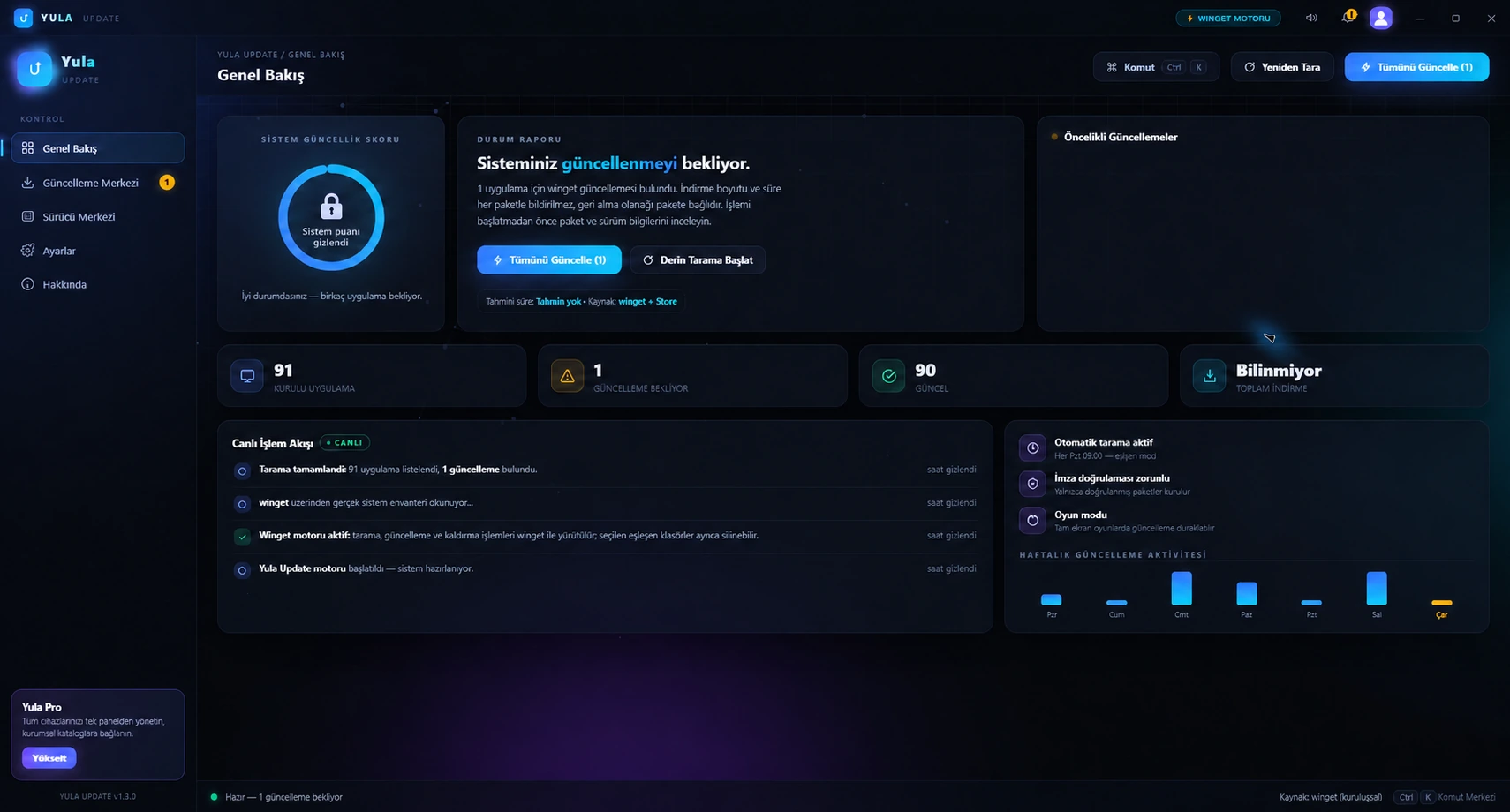
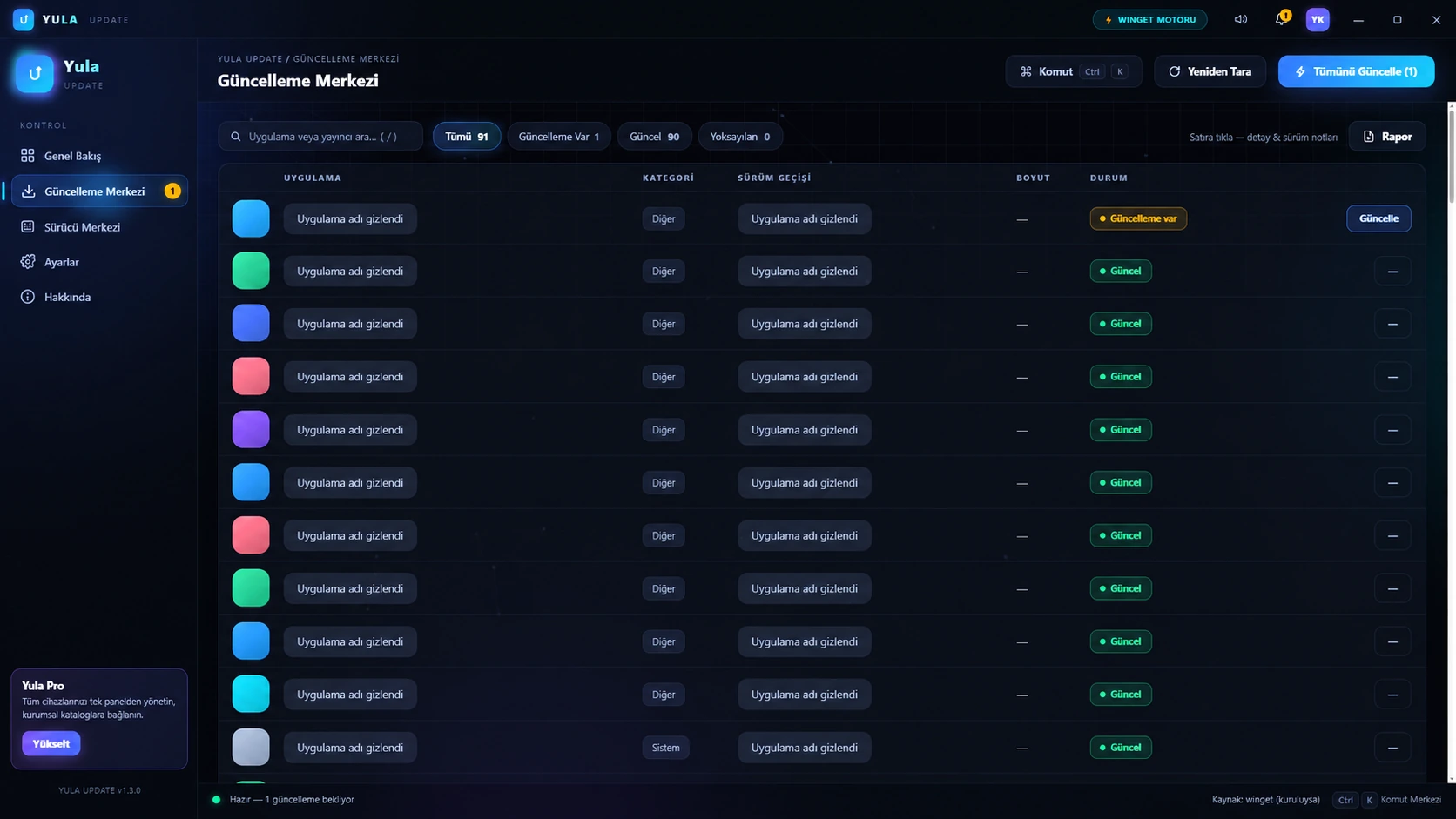
Yula Update scans Windows packages recognized by winget and shows package identity and version details before a selected action starts.
REAL APP SCREENS
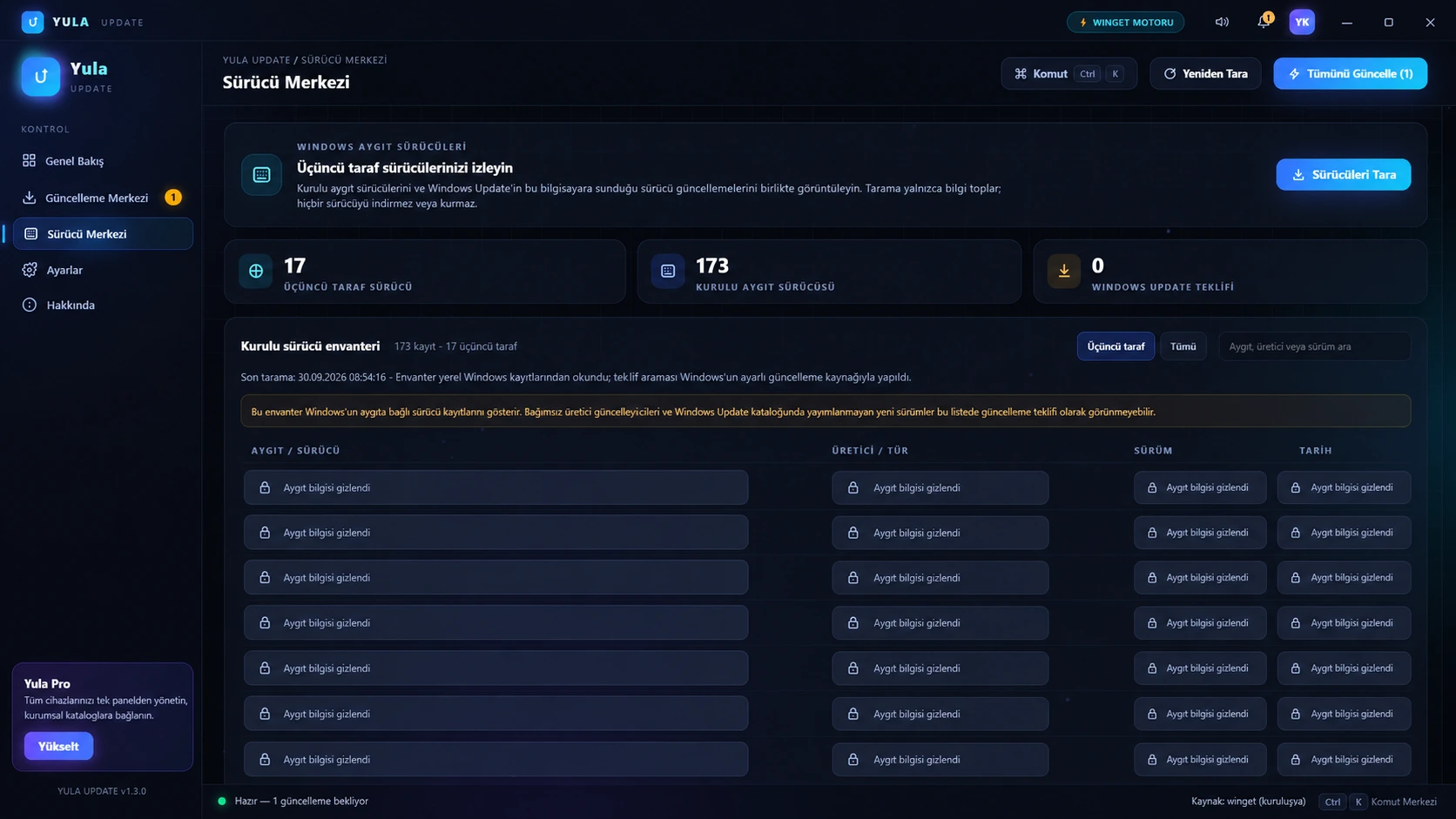
These images come from the real app interface. User identity, scan times, app names and device details are masked; aggregate app and update counts remain. Open an image to view it larger.
WHAT IT DOES
Lists apps recognized in the winget catalog and updates it can find.
Check package ID, source and version before confirming an update or removal.
Lists installed drivers and Windows Update offers separately; it does not install driver offers.
CURRENT RELEASE · VERIFY BEFORE RUNNING
SHA-256
34532C5DDCFB3053EFD4D0D91B1E673E425C9CF666C603F64C729CFFF9B5955EThis installer is not digitally signed and Windows SmartScreen may show a warning. SHA-256 checks file integrity, not publisher identity. Compare the hash before running it.
Open PowerShell in the folder containing the downloaded file, run the command below, then compare the Hash value with the SHA-256 shown above.
Get-FileHash .\YulaUpdate-Setup-1.3.0.exe -Algorithm SHA256Matching hashes confirm that the file matches this published copy; they do not identify or authenticate its publisher.
PRODUCT CHANGELOG
Installed drivers and driver offers available through Windows Update are listed separately.
The signed in-app update channel and installer integrity checks continue.
Driver offers are for review only and are not installed by this release. winget is required for package actions.
PRODUCT FAQ
winget is Microsoft’s Windows Package Manager command-line tool, distributed with App Installer on supported Windows systems.
No. It displays package and version details; you choose and confirm an operation before winget is invoked.
No. It can list driver offers made available through Windows Update separately; it is not a universal vendor-driver catalog.
Package discovery and package actions depend on Windows Package Manager (winget).
Some package changes can cause Windows or the package installer to request elevated approval.
The product is presented as an interactive tool; this page does not claim always-on background monitoring.
No. Windows SmartScreen may show a warning. Compare the published SHA-256 before running the installer.