Review your system
Inspect Windows, hardware and available measurements in one place.
YULA STUDIOS · WINDOWS · PC care and diagnostics
Version 1.0.5
Yula PC Doctor helps you understand your PC and choose maintenance steps deliberately. Review and changes are separate; cleanup and fixes begin only after you approve them.
REAL APP SCREENS
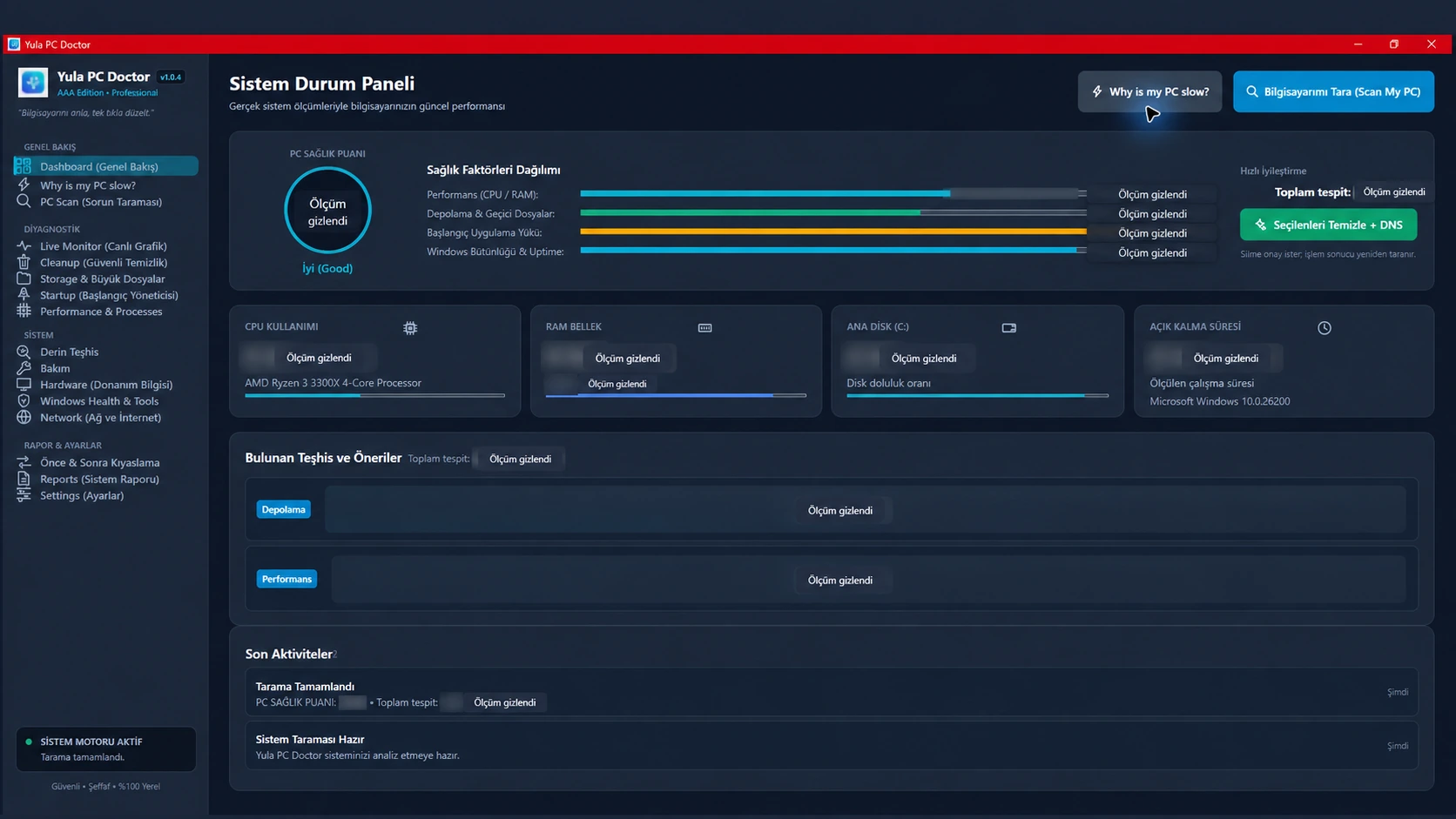
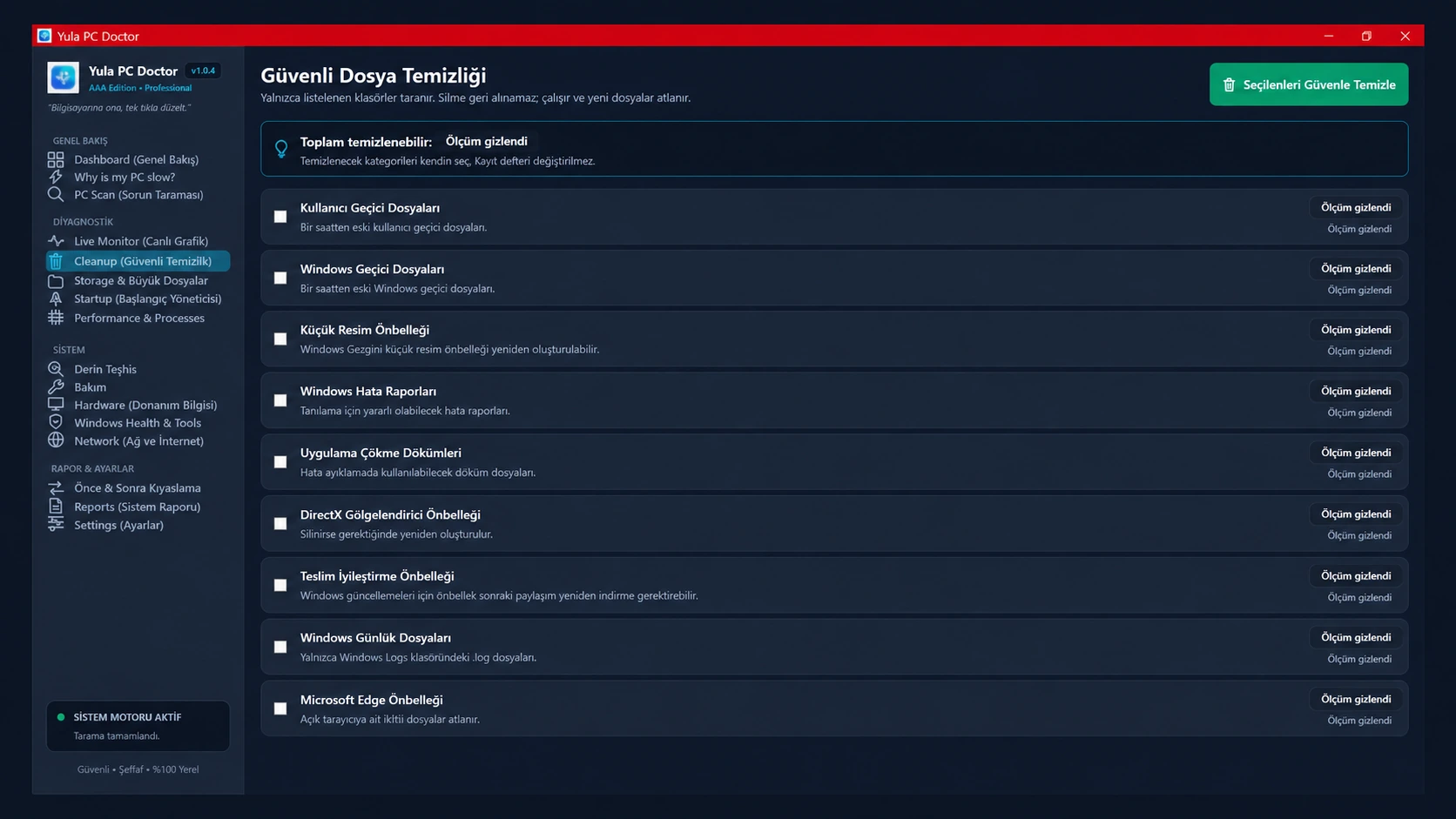
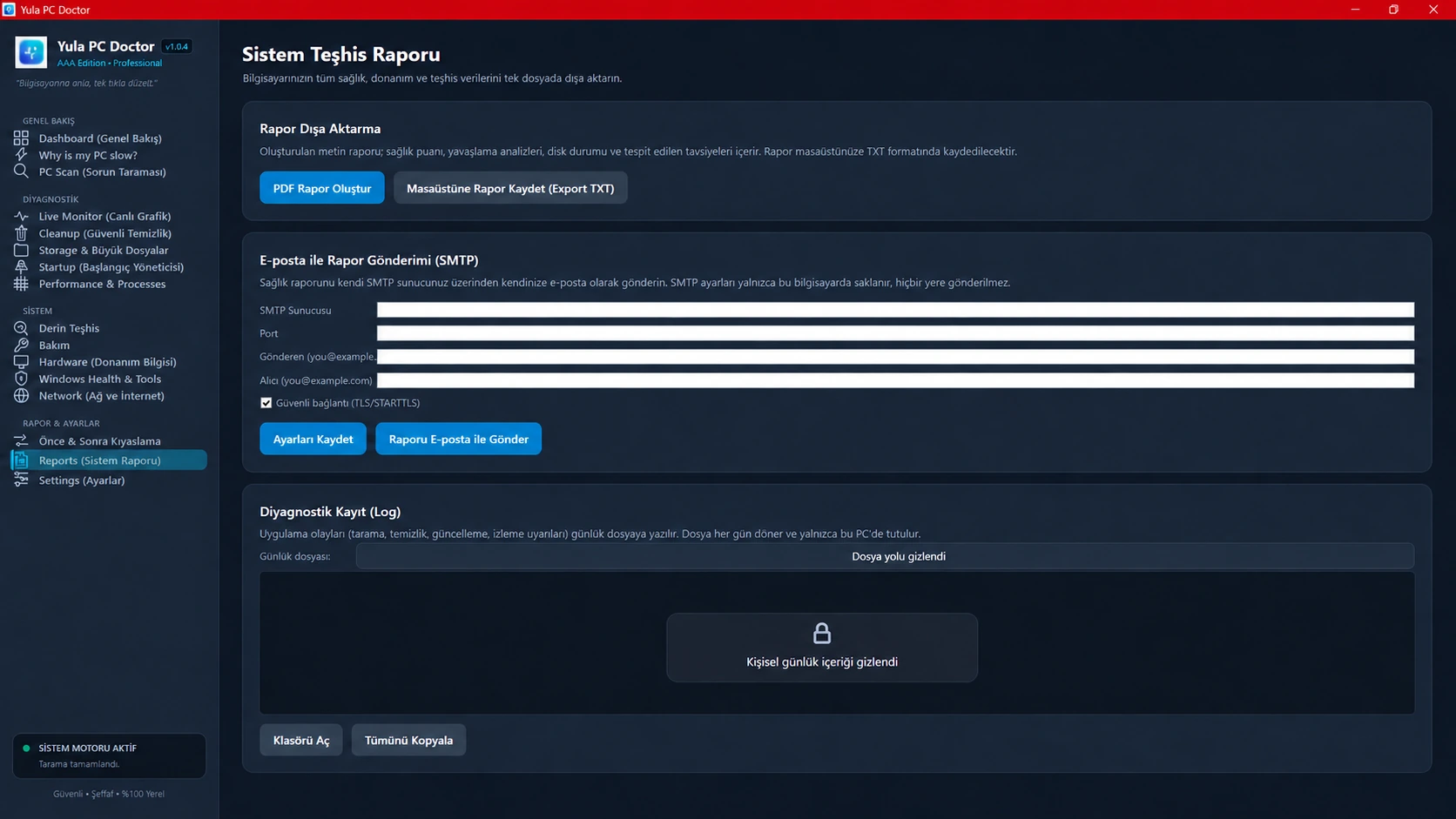
These images come from the real app interface. Personal measurements and details that could identify a device are masked. Open an image to view it larger.
WHAT IT DOES
Inspect Windows, hardware and available measurements in one place.
See startup entries and their impact before making a change.
Large-file scans and cleanup actions require selection and confirmation.
CURRENT RELEASE · VERIFY BEFORE RUNNING
SHA-256
E0BDF2805A01A1F08BDDAFFB391291517F3077AEB0624A6F61C2F080C36E4456SHA-256 checks file integrity; it does not verify publisher identity. This installer is not digitally signed and Windows SmartScreen may show a warning.
Open PowerShell in the folder containing the downloaded file, run the command below, then compare the Hash value with the SHA-256 shown above.
Get-FileHash .\YulaPCDoctor-1.0.5-win-x64.exe -Algorithm SHA256Matching hashes confirm that the file matches this published copy; they do not identify or authenticate its publisher.
PRODUCT CHANGELOG
Unexpected command and page-load errors are caught and reported to the user.
Navigation labels are consistent in Turkish and English; an inaccurate claim that every feature runs locally was removed.
Some hardware readings depend on device drivers and may be unavailable. The app does not invent a value.
Fixed the Quick Fix scan lock and cancellation handling; comparisons use real measurements; unavailable hardware readings are shown as unknown instead of guessed.
F9A92080F61D50C297EB75BA085E1D63218154C4FF276C39755C93D574CF4A3EThis archived installer is no longer available. Use the current release.
Reliable release notes and the original publication date for this archived build could not be verified from available records. The current 1.0.5 release is recommended.
0260CDD90128F448DAA96AD7F5C349D6FCB4F499A10F10D5CFE828F538162E66This archived installer is no longer available. Use the current release.
PRODUCT FAQ
It presents Windows and available hardware information, then lets you review maintenance actions before choosing them.
No. Cleanup actions require you to select and confirm them. Review the exact files and paths before removal.
Windows 11 64-bit or Windows 10 LTSC/Enterprise 64-bit
No. This product page does not claim that PC Doctor installs Windows or device-driver updates.
Some maintenance actions may trigger a Windows permission prompt.
No. This installer is not digitally signed; Windows SmartScreen may show a warning. SHA-256 checks file integrity, not publisher identity.
Use Windows Settings → Apps → Installed apps, select Yula PC Doctor and choose Uninstall.