Detect on-screen text
OCR reads visible game text; recognition varies with fonts and image quality.
YULA STUDIOS · WINDOWS · Game translation
Version 1.2.0
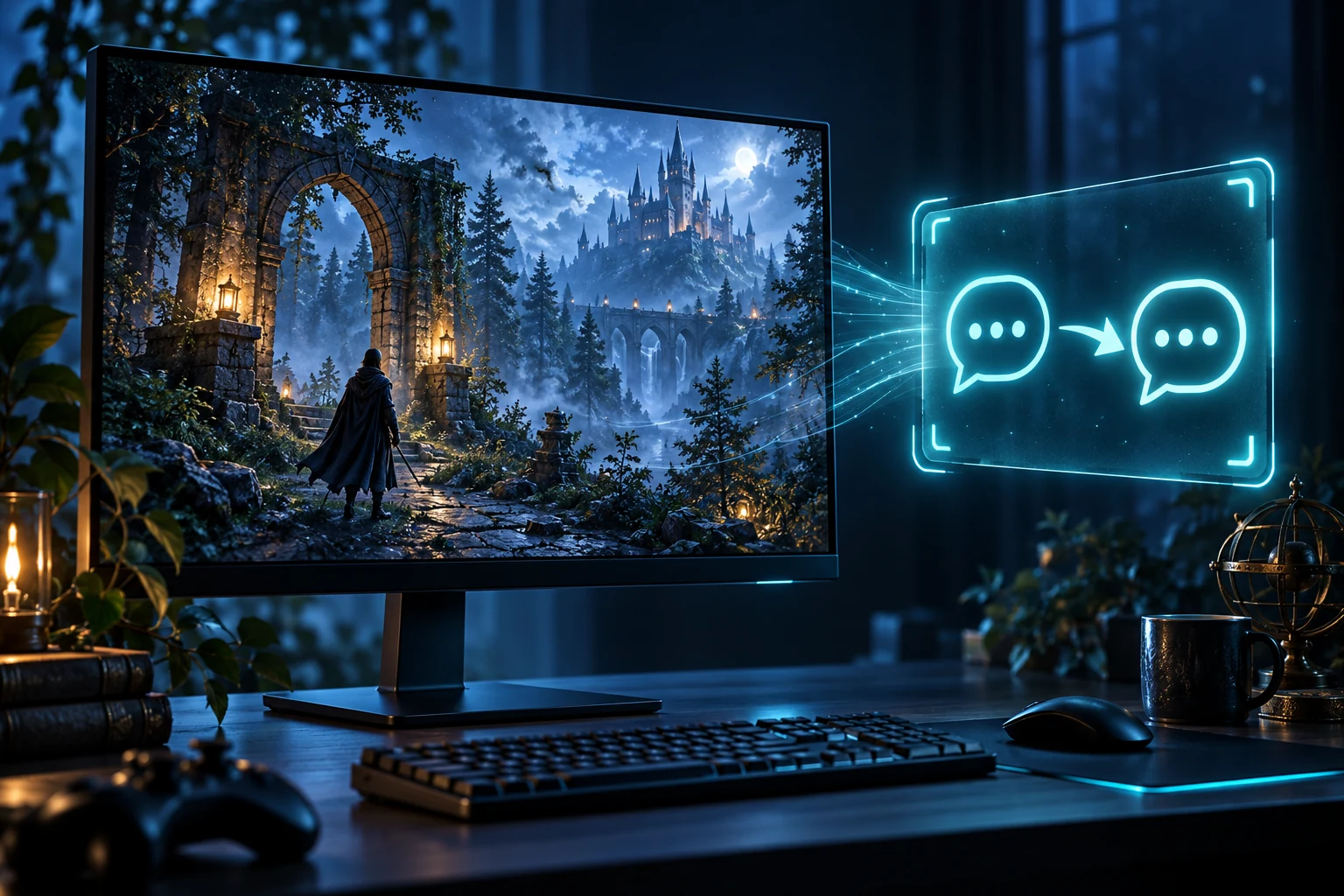
Yula Game Translator detects visible game text and displays translations in a separate overlay, helping you understand a game without leaving its flow.
WHAT IT DOES
OCR reads visible game text; recognition varies with fonts and image quality.
Translations appear in a separate layer so you can follow the game.
Long text is split into controlled chunks while punctuation and line flow are preserved.
CURRENT RELEASE · VERIFY BEFORE RUNNING
SHA-256
4CE27C696CE4458C6166E64DB2DB6DC3B317888331E2ED87871083161A9517CBSHA-256 checks the downloaded ZIP file’s integrity; it does not verify publisher identity. Extract the archive before running the app.
Open PowerShell in the folder containing the downloaded file, run the command below, then compare the Hash value with the SHA-256 shown above.
Get-FileHash .\YulaGameTranslator-v1.2.0-ultra-scroll-local.zip -Algorithm SHA256Matching hashes confirm that the file matches this published copy; they do not identify or authenticate its publisher.
PRODUCT CHANGELOG
Controlled translation chunks for longer game passages.
Punctuation preservation and the screen-reading flow.
An internet connection is required. Game compatibility and OCR accuracy vary by title, font and image.